


Cinderella Me guides
From Order to Arrival: Checking Your Purchase
Follow your order details, distinguish confirmation from dispatch, and prepare the information needed if a delivery update is unclear.
Keep a clear record of what you ordered
Before submitting an order, check the exact style, colour, selected size, quantity and delivery address. Keep the order reference and confirmation so that you can compare what arrives with the item you chose. A saved product link is useful alongside the description of the size or colour you selected.
Delivery choices and charges should be checked in the checkout for your destination. If a service described elsewhere on the website is unavailable there, ask before paying instead of assuming that it can be added afterwards.
- Check the recipient's name, postcode and any address details needed to find the property.
- Use an email address you can access and check it for order messages.
- For a time-sensitive purchase, explain the date you need the shoes before ordering.
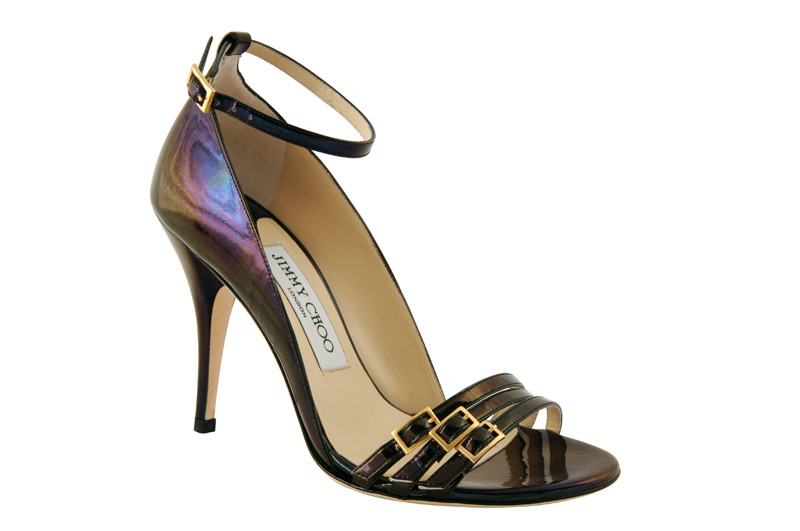
A product photograph from the CM catalogue. Check the listing for the exact size, materials, condition and current availability.
View productSeparate confirmation, payment and dispatch
An order message, a payment record and a dispatch update answer different questions. The first records order information; a payment record concerns the transaction; a dispatch update concerns the parcel. A confirmation by itself should not be read as a promise that the parcel is already on its way.
The current Terms explain how an order is accepted. Read the status and wording of the message you receive, particularly if there is a query about availability or payment. Do not place a second order simply because the first confirmation is slow to appear.
Use the information supplied for your parcel
If a tracking reference is provided, follow the carrier and link identified in the dispatch information. Check whether the latest event shows collection, movement, an attempted delivery or delivery. Those stages are different; a reference alone does not establish an arrival date.
If an update is unclear, send Cinderella Me your order reference, the affected item and the tracking message or date you are asking about. Avoid sending complete card details or passwords. The Contact page is the appropriate place for a private order query.
Prepare for receipt
Arrange for the parcel to be received as required by the selected service. Check the actual delivery information for instructions about missed deliveries rather than relying on a general guide for a collection deadline.
Once the order arrives, compare its contents with the confirmation and inspect the pair before wearing it outside. The arrival-check guide below covers the details to record if anything needs attention.